Administration
The Admin Dashboard is the central hub for managing your organization in Asset Memory. It is accessible to users with admin privileges from the main navigation menu.
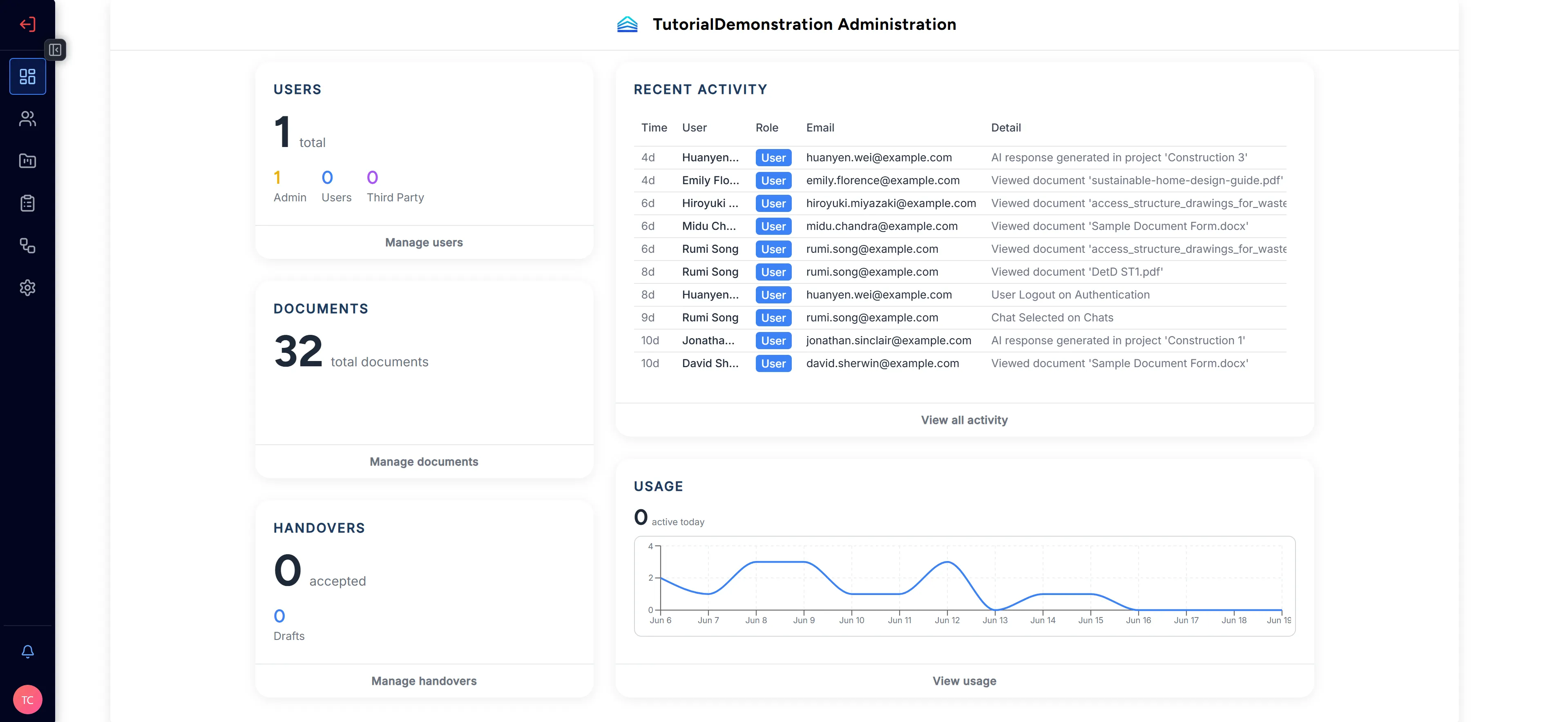
The Admin Dashboard is organized into the following tabs:
| Tab | Area | Description |
|---|---|---|
| Dashboard | — | At-a-glance statistics: total users, projects, and documents. |
| Users | People | View, invite, and manage user accounts, roles, and statuses. |
| Projects | Knowledge | Create and manage projects and control which users can access them. |
| Managing Files | Knowledge | Upload and organize documents into your organization’s knowledge library. |
| Connectors | Knowledge | Connect cloud storage (Dropbox, OneDrive, SharePoint) to import files directly. |
| Audit Logs | Monitoring | Full audit trail of all actions performed across your organization. |
| Client Handover | Workflows | Transfer documents and organizational context to a recipient organization. |
| Settings | Organization | Update your organization’s name and logo. |